Murder Legends Updates & Patch Tracking
What shipped in the public log—and how to catch the next code or case drop.
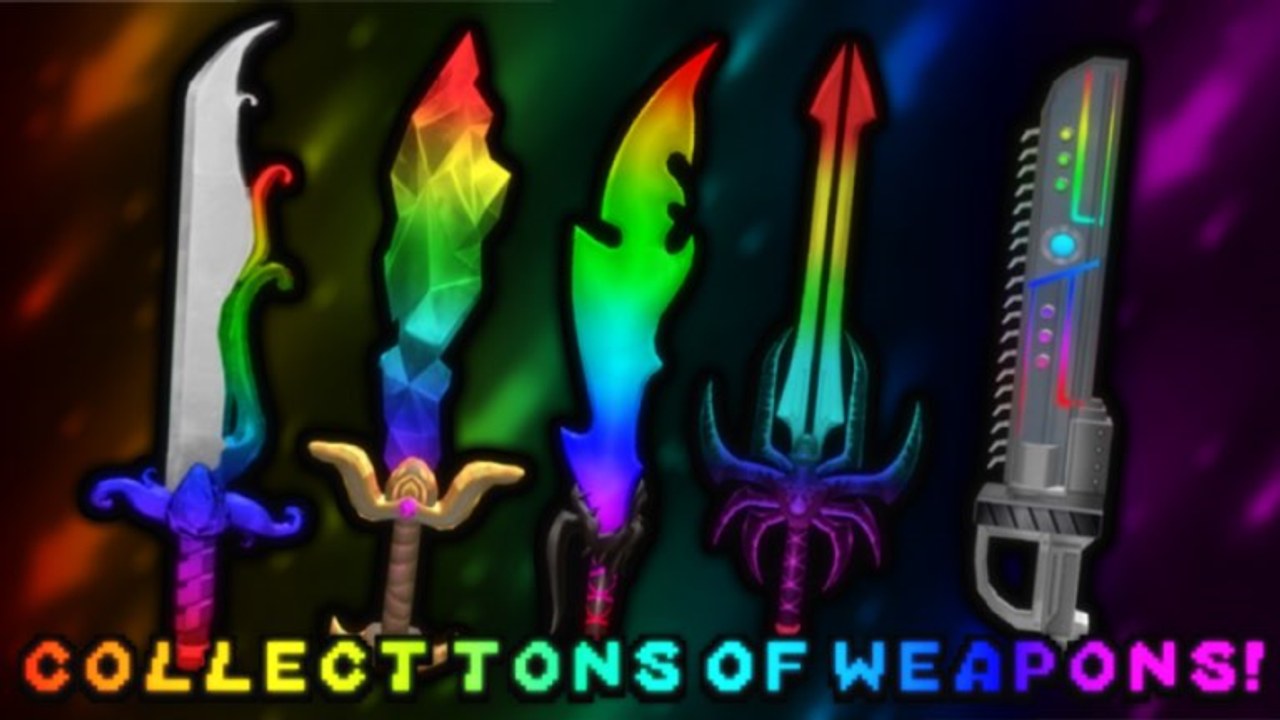
Murder Legends by Murder Legends Studio’s ships changes the way many Roblox murder-mystery experiences do: through the game description update log, the group wall, Discord announcements, and occasional milestone codes. This Updates Hub explains what is already public, how to verify new drops, and where to go next on the wiki when a patch changes cases, recipes, voice, or rewards.
For a chronological write-up of known log entries and community-tracked codes, open Patch Notes. For live redemption steps, stay on Codes. Role balance still starts with the Players Hub.
What the public update log already calls out
The Roblox game description for Murder Legends has historically highlighted a compact UPDATE LOG. Players should treat that list as the studio’s own highlight reel—not a full engineering changelog—but it is the best official summary available on the experience page:
- RELEASE — base murder-mystery loop goes live with Murderer, Sheriff, and Bystander roles.
- Moneyheart for 200 Robux — a Robux purchase/entry called out beside free progression.
- Enchanted Flare Case — case content for cosmetic hunters.
- Enchanted Hammer Recipe — crafting/recipe style progression tied to Enchanted gear.
- Enchanted Magnum Case — revolver-focused case content.
- Code
50KVISITS— visit-milestone promo called out in the log itself. - Spatial Voice (VC) — proximity/voice support noted in the public log.
- Visit milestones — messaging such as 100K visits soon, plus like/favorite prompts for future content.
When you see new lines appear on the game page, copy them into your mental model, then check whether the group wall or Discord posted a matching code. We expand each of those bullets with context on Patch Notes.
How to track new Murder Legends updates
- Like and favorite the experience. The description repeatedly asks for likes/favorites as the signal for more updates and free cosmetics (including chroma-style goals at like thresholds).
- Join the Murder Legends Studios group. The game page points players to the group for codes. Read the wall instead of trusting random chat strings.
- Watch Discord if you use it. Community code relays often mirror group posts; verify spelling before redeeming.
- Re-read the game description. UPDATE LOG lines are easy to miss if you only launch from continue.
- Return to this wiki. Codes for redemption lists, this hub for process, Patch Notes for history.
Official destinations are centralized on Official Links, including the Roblox game URL and the studios group.
What usually changes when Murder Legends updates
Not every patch is a role rewrite. Most player-facing drops fall into a few buckets:
- Cases and cosmetics — Enchanted Flare, Magnum, and similar boxes change what the Shop is selling.
- Recipes / crafting style unlocks — Hammer recipe style content gates prestige items behind play.
- Codes — visit or event strings such as
50KVISITS, plus community-tracked strings like seasonalFALLdrops when they appear. - Social features — Spatial Voice alters how callouts work for Sheriff and Bystander players.
- Economy pacing — coin sinks and case prices shift how you read Coin Farming.
Core role identity rarely flips overnight. If a patch feels huge, re-check Murderer, Sheriff, and Bystander after you play two lobbies—not before.
Codes, milestones, and hype loops
Murder Legends marketing loops are simple and effective: hit a visit or like goal, post a code or free chroma promise, ask players to favorite for the next goal. That means the fastest legitimate reward path is often social, not script-shaped. Prefer Codes and official channels over anything linked from Scripts hype.
When a code lands:
- Confirm it on group wall / Discord / description.
- Redeem in-game with exact casing.
- Spend rewards using the priorities on Coin Farming.
- Note the drop on your own checklist so you do not re-try expired strings later.
How this hub ties into guides and tools
- New players after a big patch: Getting Started → Controls → Players Hub.
- Role mains checking whether a patch changed pressure: role pages + matching how-to guides under Guides.
- Collectors: Tier List for comparing cosmetics once Enchanted cases rotate.
- Link collectors: Official Links.
Suggested update routine (five minutes)
- Open the Roblox game page description and scan for new UPDATE LOG lines.
- Check the Murder Legends Studios group wall for a code post.
- Refresh Codes on this wiki.
- Skim Patch Notes if you missed a week of play.
- Jump into a lobby and verify UI (Shop left, role assignment) still matches Controls.
Murder Legends is still a classic three-role mystery at heart. Updates mostly decorate and deepen that loop. Use this hub to stay current without drowning in rumor, then let the role and farming pages keep your in-round decisions sharp.
Frequently Asked Questions
Quick answers to the most common Murder Legends questions.
Where do Murder Legends updates get posted?
Primarily on the Roblox game description update log, the Murder Legends Studios group wall, and community Discord relays. Like and favorite the game for more drops.
What is in the public UPDATE LOG?
Highlights include RELEASE, Moneyheart (200 Robux), Enchanted Flare Case, Enchanted Hammer Recipe, Enchanted Magnum Case, code 50KVISITS, Spatial Voice, and visit milestone messaging.
Where should I look for new codes after an update?
Start with the group wall and Discord, then redeem using the Codes page on this wiki. Do not trust random in-game chat strings.
Do updates change roles?
Most public drops focus on cases, recipes, voice, and codes. Re-verify Murderer, Sheriff, and Bystander pages after major patches, but expect the three-role loop to stay intact.