How to Redeem Murder Legends Codes
Exact Shop location, Enter submit, and fixes for expired or mistyped codes.
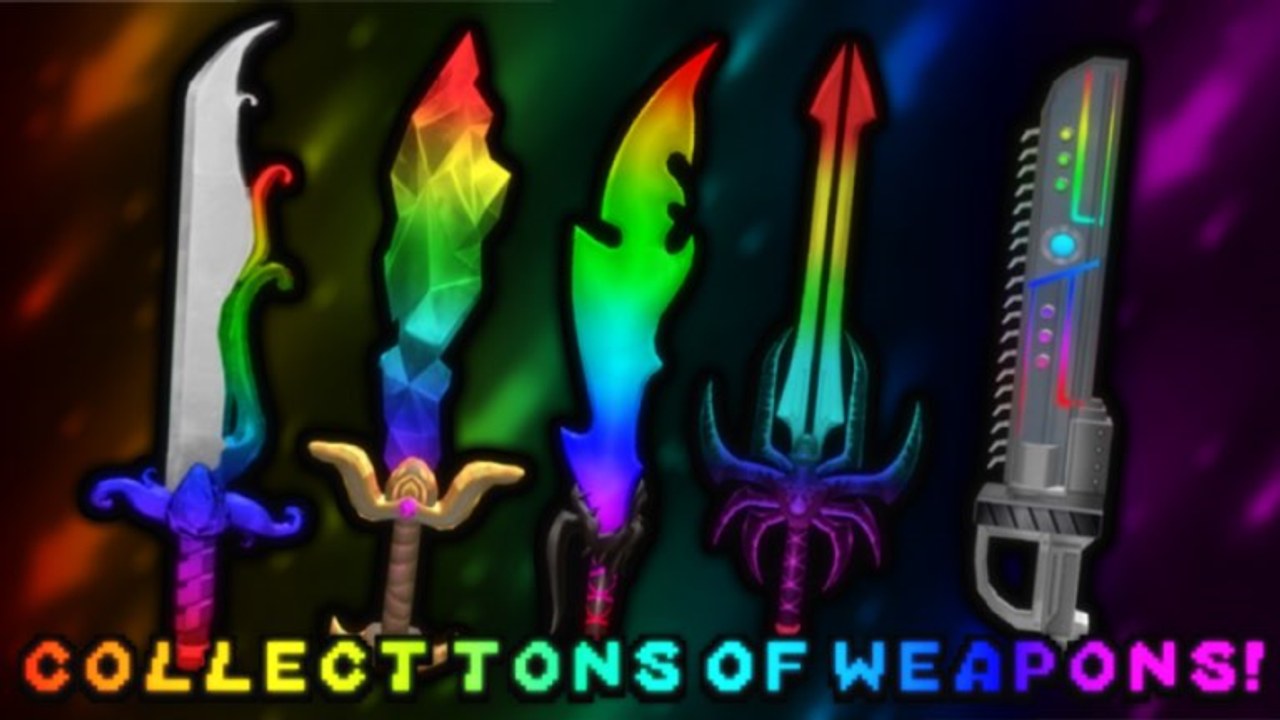
Redeeming codes in Murder Legends is simple once you know where the Shop hides the input box. This guide walks through every step for PC and mobile, explains what success looks like, and covers the errors players hit most often. Pair it with the live list on the Codes Hub so you only type strings worth checking.
Murder Legends is a Roblox murder-mystery experience by Murder Legends Studio’s (group 14510656), live since July 16, 2022 on place 10250430260. Each round assigns Murderer, Sheriff, or Bystander roles in servers of up to twelve players. Codes mostly grant coins you spend in the Shop on cases and cosmetics—Enchanted Flare Case, Enchanted Magnum Case, Enchanted Hammer Recipe, Moneyheart, Chroma items, and similar drops—so learning the redeem UI early saves grinding time.
Before you start
- Use an account that can play Roblox experiences normally (no region lock or temporary ban).
- Launch Murder Legends and wait until the lobby or round UI fully loads.
- Keep a copy of codes from the Codes Hub—do not trust random paid “private” lists.
- Remember every listed code is check before redeeming; many milestone and event strings expire.
If you are brand new to the game loop, skim Getting Started first so you know what coins buy and how roles use knives and guns.
Exact redeem steps
1. Open the Shop (left side)
On your screen, open the Shop from the left side. The Shop is the main place for cases, gear, and currency sinks. You do not need to be in a live chase to open it—lobby or between-round timing is fine as long as the UI responds.
2. Find the code box (top-right of Shop)
Inside the Shop panel, look to the top-right area for the code box. That small field is separate from case purchase buttons. If you only see case carousels, scroll or glance at the upper corner of the Shop chrome—players often miss the box because they focus on item previews.
3. Type the code carefully
Enter the code exactly as listed. Capitalization usually matters for mixed strings such as E4ST3R, FREECHROMA, or 50KVISITS. Avoid leading or trailing spaces. Short codes like 5000, 6000, FALL, SOUL, NETHER, UPDATE, FREECASH, and FREECOINS are easy to mistype if autocorrect interferes on mobile—disable autocorrect if needed.
4. Press Enter to submit
After the text is correct, press Enter to submit. On some devices you may also tap a confirm control next to the field; keyboard Enter is the documented path for the code box. Wait a moment for a success toast, coin balance change, or error message.
5. Confirm the reward
Open your inventory or check the coin counter. Typical successful redeems add coins (for example 1,000 Coins when 50KVISITS still worked). Cosmetic-focused codes such as FREECHROMA may grant Chroma-related items instead. Close the Shop, then queue a round as Murderer, Sheriff, or Bystander to enjoy the new currency or look.
Video walkthrough
The embedded video above shows an older codes rundown (“ALL MURDER LEGENDS CODES! (May 2022)”). UI chrome can shift after updates, but the left-side Shop and top-right code box pattern described here remains the checklist to follow. Always re-test codes from the Codes Hub after watching, because strings from 2022 milestone posts may already be expired.
Common errors and fixes
Invalid / expired code
The string no longer works or was never live for your region/build. Remove it from your list. Milestone codes (50KVISITS, 1MVISITS) and seasonal ones (FALL, E4ST3R) expire first. Check Updates for newer promos.
Already redeemed
Your account already claimed that code. Codes are typically once per account—retrying will not grant double coins.
Nothing happens when you press Enter
Confirm focus is in the code box, not a search field elsewhere. Re-open the Shop, click the top-right box again, and resubmit. Laggy servers can delay the toast; wait a few seconds before assuming failure.
Autocorrect changed the code
Mobile keyboards love turning E4ST3R into a word or lowercasing FREECHROMA. Paste from a notes app or type slowly with autocorrect off.
Wrong place / wrong game
Make sure you are in Murder Legends (universe 3753647350, place 10250430260), not a different murder-mystery title. Codes are game-specific.
What to do with coins after redeeming
Spend with intent. Cases such as Enchanted Flare Case and Enchanted Magnum Case expand visual knife and gun options for Murderer and Sheriff rounds. Enchanted Hammer Recipe and Moneyheart lean collectible. Chroma items are flashier prestige cosmetics. If a redeem mentions or leads to a Flame Handblade-style drop tied to an UPDATE code, treat it as a bonus only after the Shop confirms ownership.
New players: unlock a comfortable loadout, then learn map routes as Bystander before dumping every coin. Veterans: bank currency for the next case you actually want instead of opening everything at once. For rough gear priorities after openings, see the Tier List.
Safety and scam avoidance
- Never share your Roblox password or account cookies with someone offering “code redeem help.”
- Never pay for a spreadsheet of “guaranteed active” Murder Legends codes.
- Redeem only through the official in-game Shop code box described above.
- Ignore Discord DMs that ask you to join a third-party site to “claim” a code—those are phishing.
This wiki lists community-reported codes with honest check before redeeming labels. We will not invent fake working codes or claim permanence.
Quick checklist
- Join Murder Legends and open the left Shop.
- Locate the top-right code box inside Shop.
- Paste or type a code from the Codes Hub.
- Press Enter and read the result.
- Confirm coins or items, then play a round.
- On failure, fix typos or mark the code expired and try the next one.
Once redeeming feels automatic, return to Getting Started for role fundamentals, watch Updates for new strings, and use the Codes Hub as your living table. That loop—check, redeem, spend wisely—is the entire point of Murder Legends promo codes.
Frequently Asked Questions
Quick answers to the most common Murder Legends questions.
Where is the Murder Legends code box?
Open the Shop on the left side of the screen, then use the code input at the top-right of the Shop panel. Press Enter to submit.
Do I need to be in a round to redeem?
No. Redeem whenever the Shop UI is available—lobby or between rounds is fine—as long as the code box accepts input.
Why does Enter do nothing?
Click the code box so it has focus, remove spaces, and try again. Server lag can delay the success or error message by a few seconds.
Can I redeem the same code twice?
Usually no. Once an account successfully redeems a code, further attempts return an already-redeemed or invalid style error.
Where is the full list of codes?
See the Codes Hub for the check-before-redeeming table, reported rewards, and links to updates when new strings appear.